Configuration
Smart Panel is configured directly through the Admin UI. Each module and plugin has its own settings page where you can adjust its behavior without editing config files.
Modules
Navigate to Config → Modules in the admin sidebar to see all system modules and their settings.
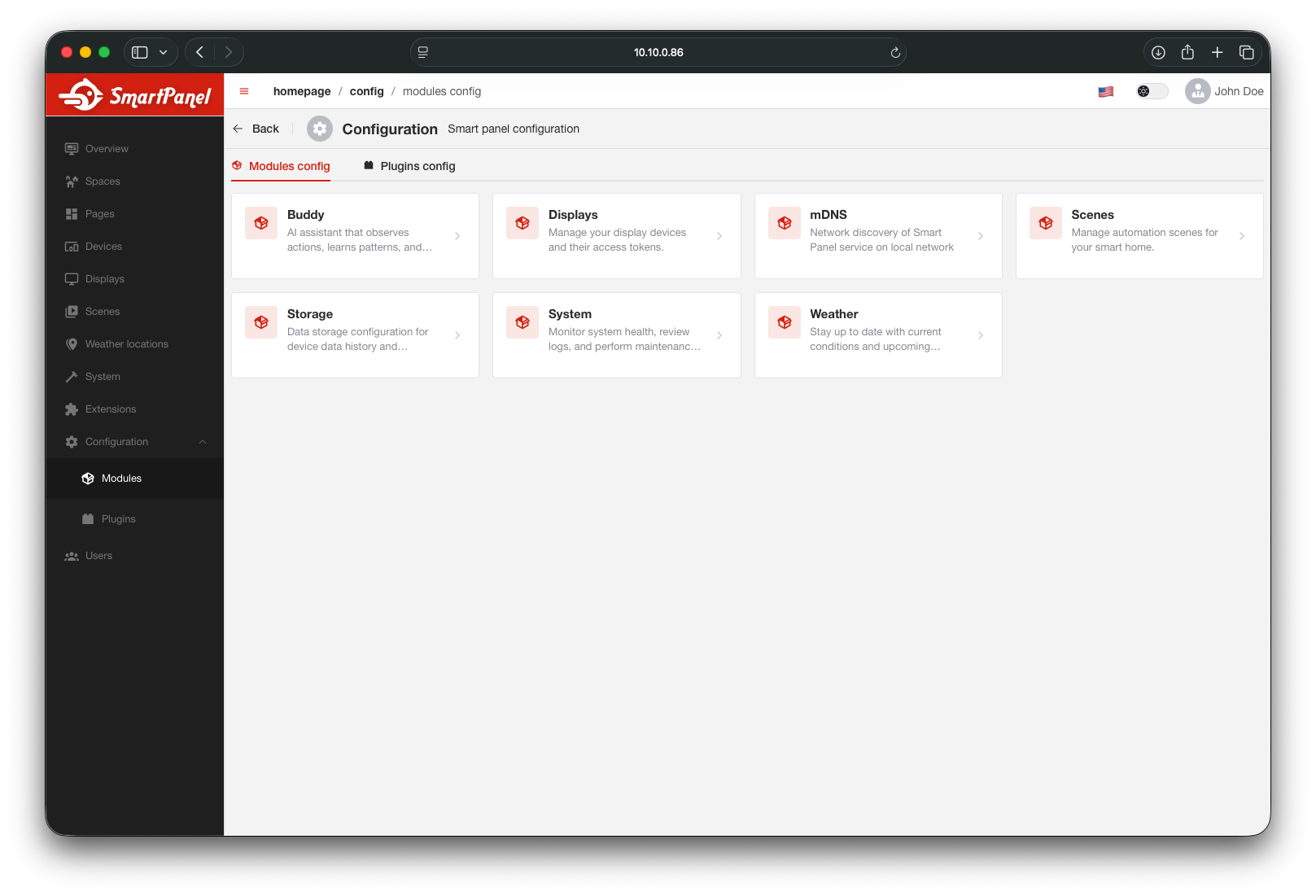
Click on any module to view and edit its configuration.
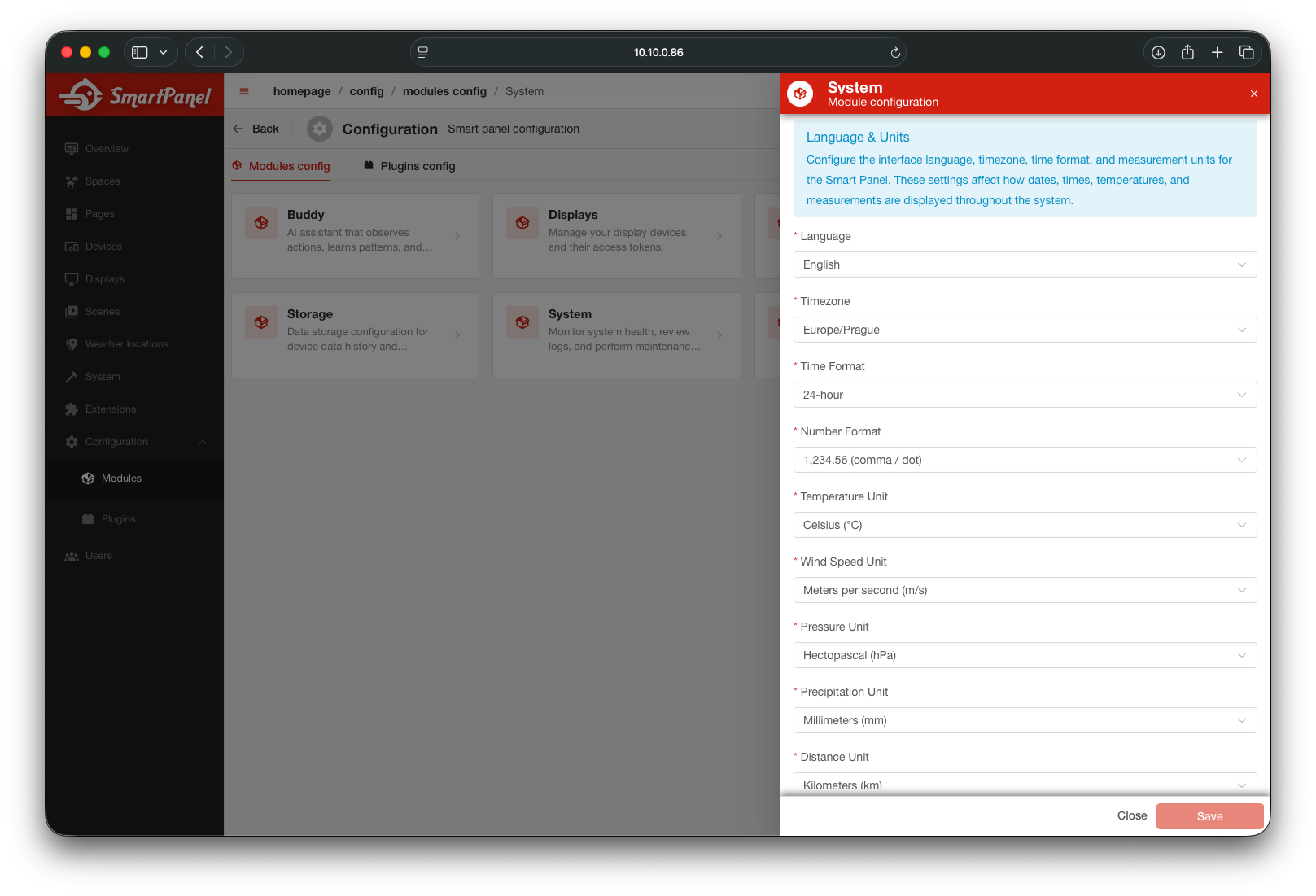
Common Module Settings
| Module | Key Settings |
|---|---|
| Audio | Speaker on/off, speaker volume, microphone on/off, microphone volume |
| Display | Dark mode, brightness, screen lock duration, screen saver |
| Language | Language locale, timezone, time format (12h/24h) |
| Weather | Location, unit (celsius/fahrenheit), weather provider |
| Storage | Primary and fallback storage backends for time-series data |
Plugins
Navigate to Config → Plugins to see all installed plugins and their configuration.
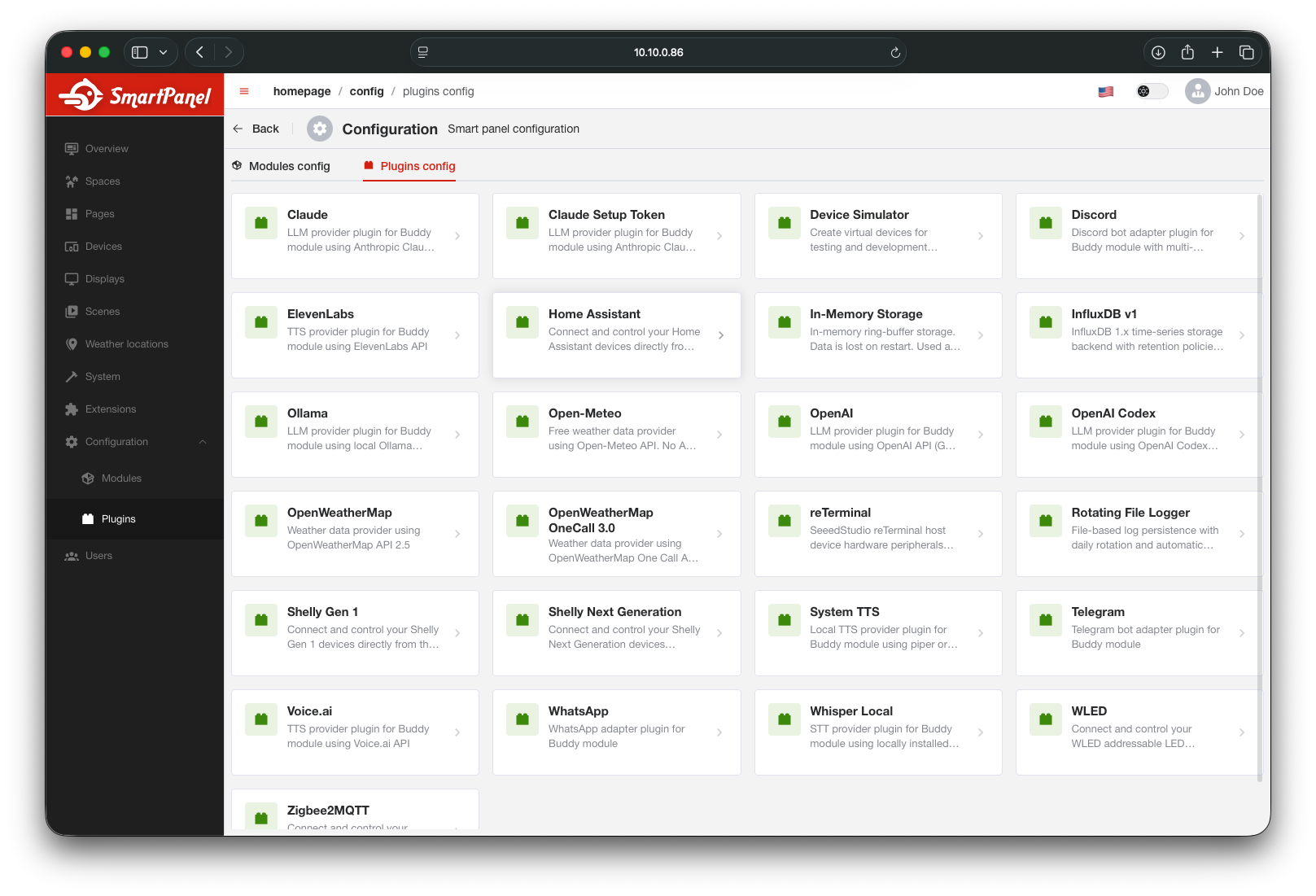
Click on any plugin to view and edit its settings.
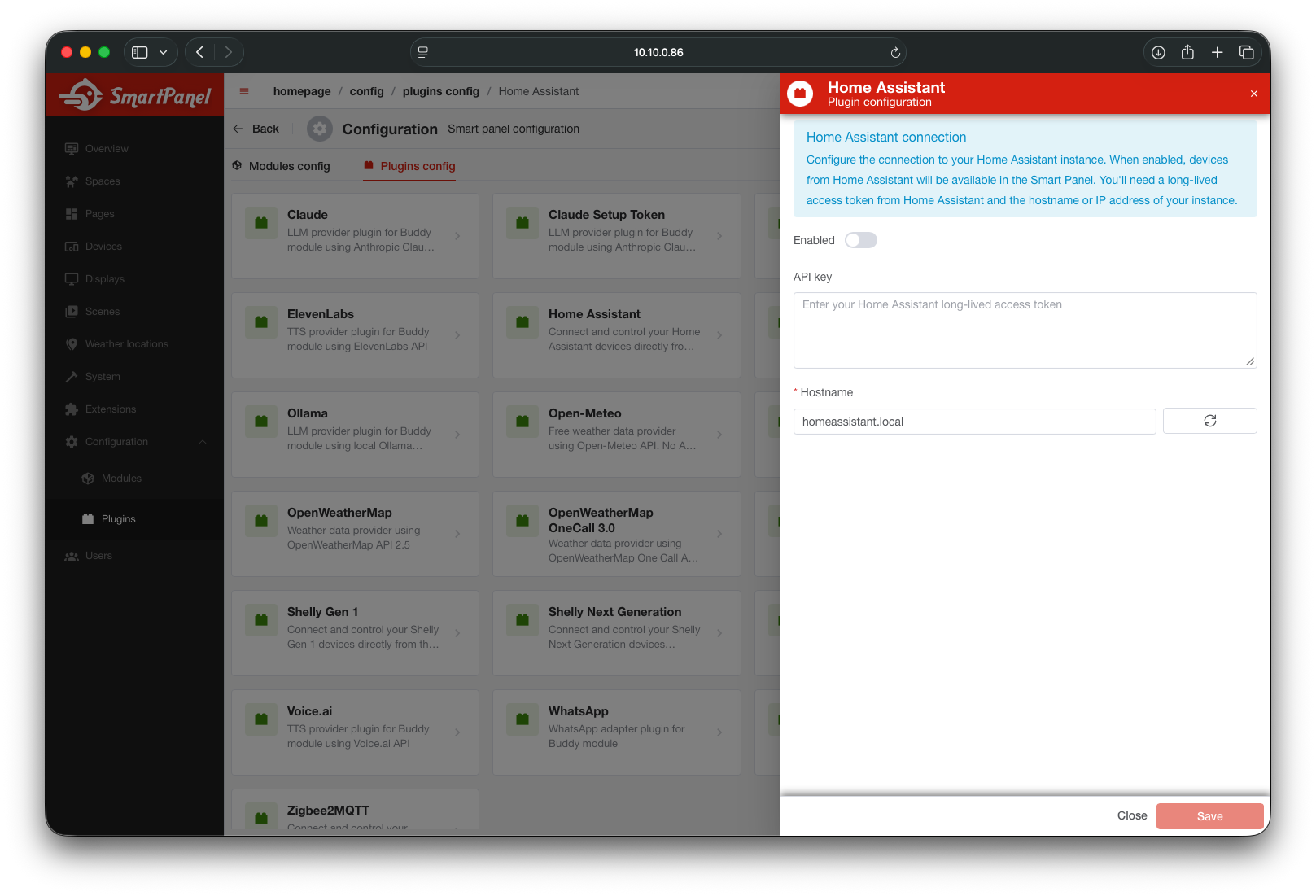
Each plugin exposes its own configuration options — typically connection details like host addresses, API tokens, polling intervals, or feature toggles.
Changes take effect immediately in most cases. Some plugin changes (like connection settings) may require the plugin to reconnect.
Extensions
All extensions — both built-in and third-party — are managed under the Extensions section in the admin sidebar.
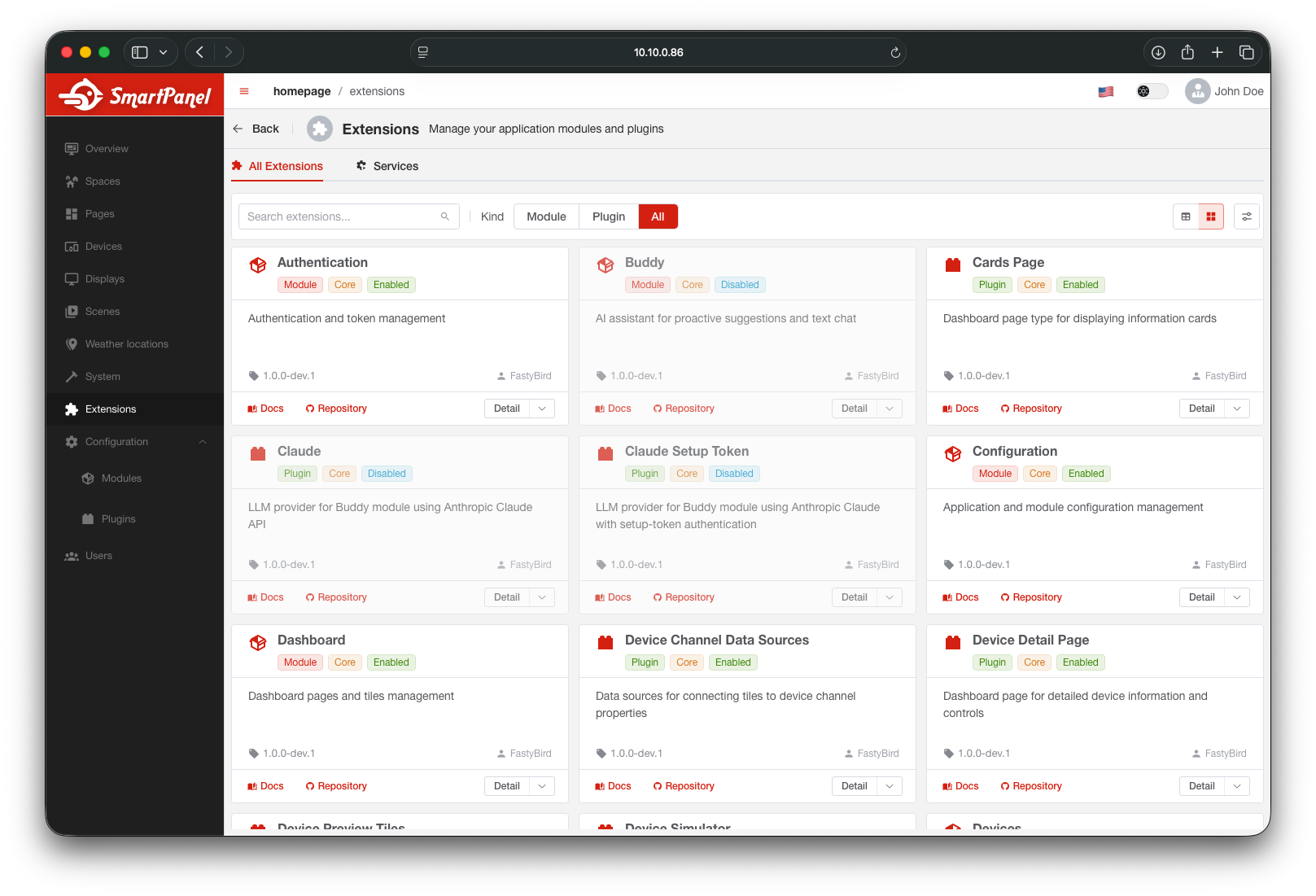
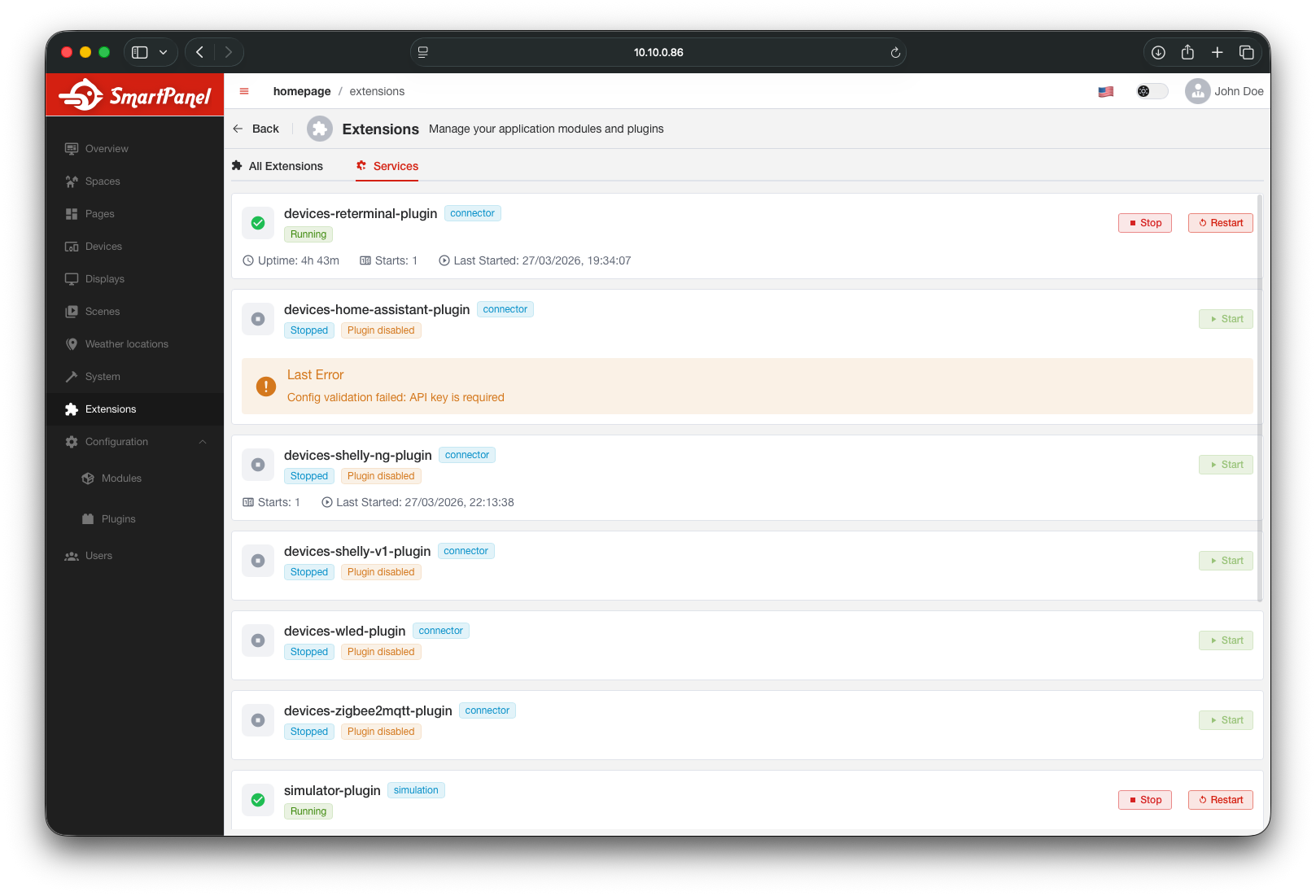
Extensions are npm packages that add custom modules or plugins. See Building Extensions for details on creating your own.
What’s Next?
- Users & Roles — manage user accounts and permissions
- Extensions — explore built-in and third-party extensions